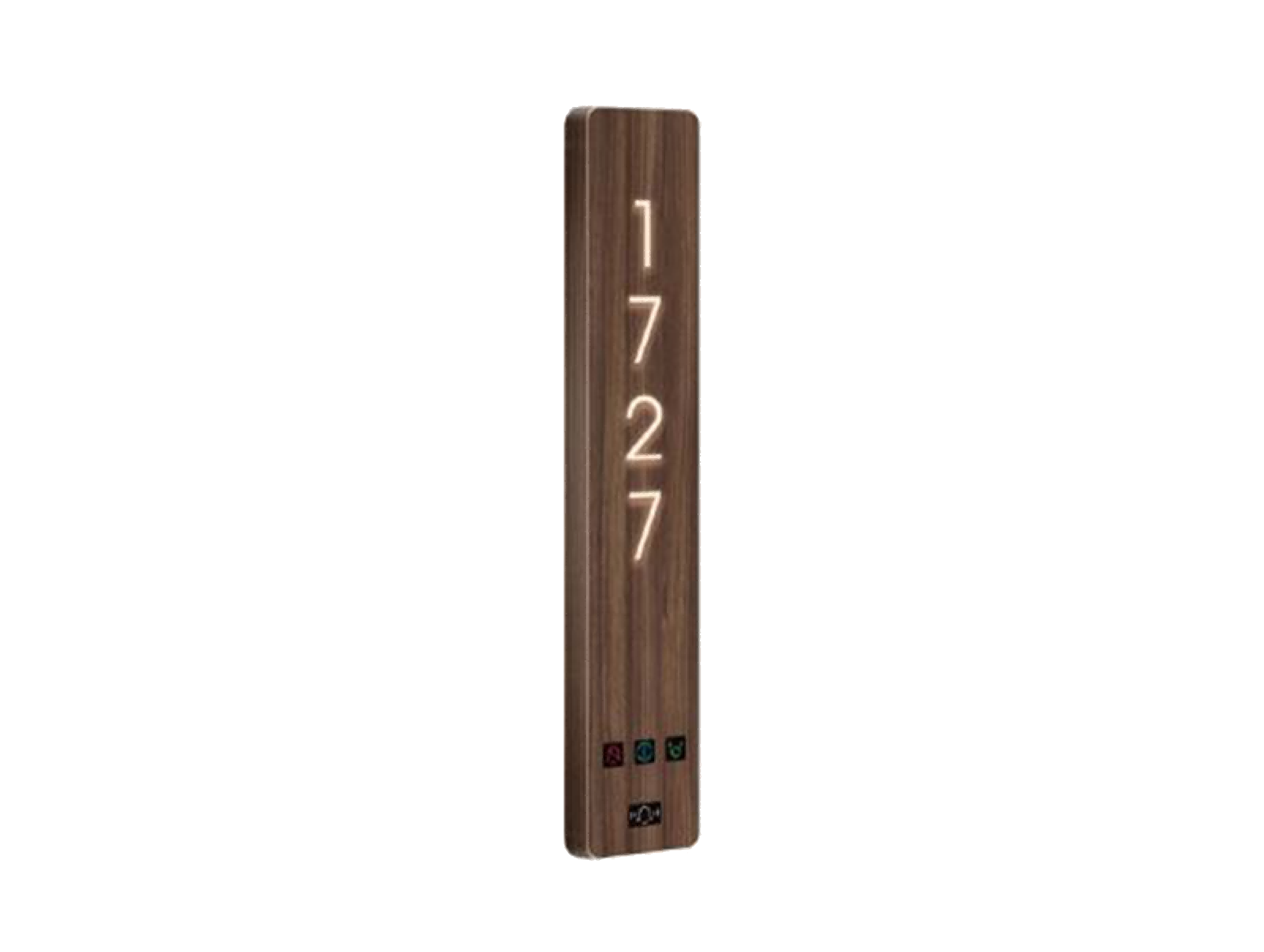
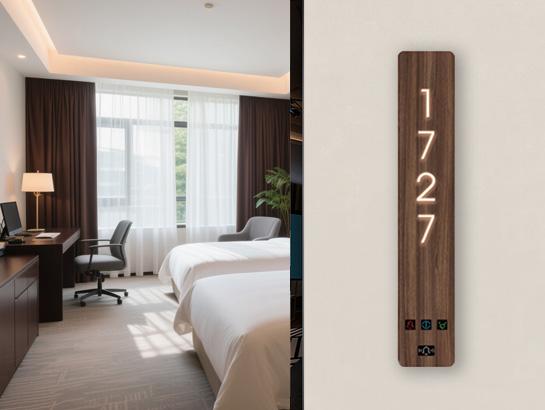
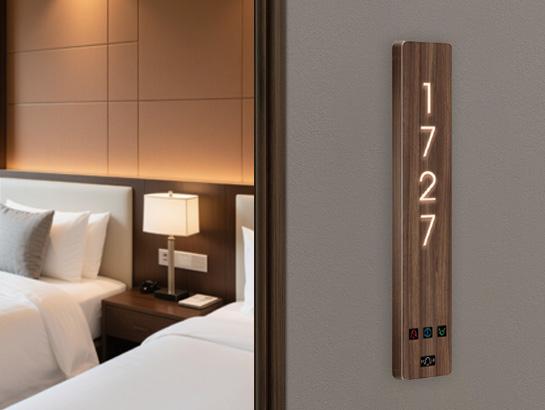
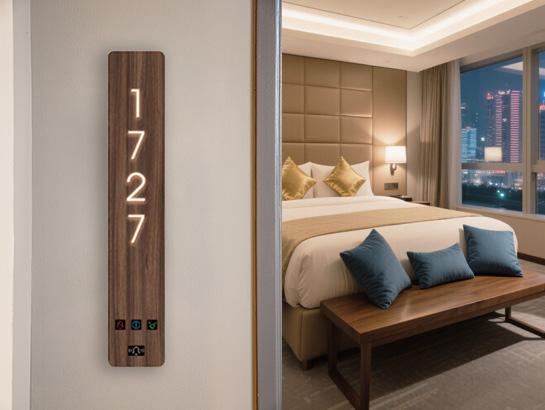
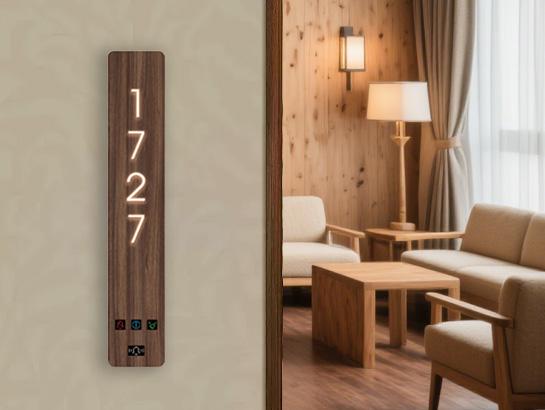
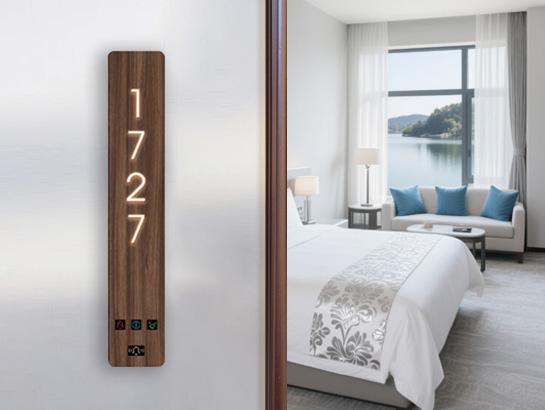
Electronic Doorplate DC
Product Code:
M86-DP-DC (R2W)
Features
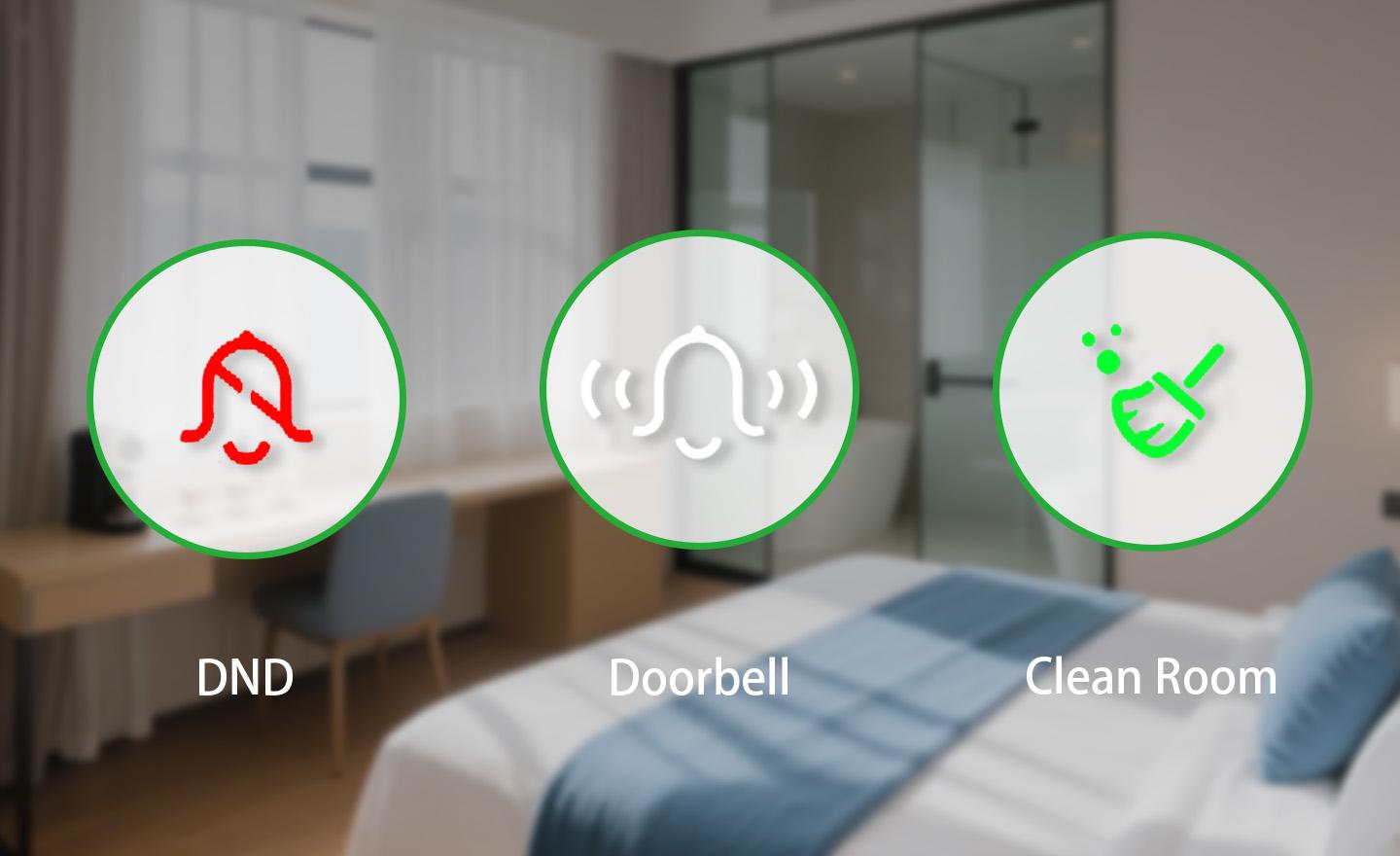
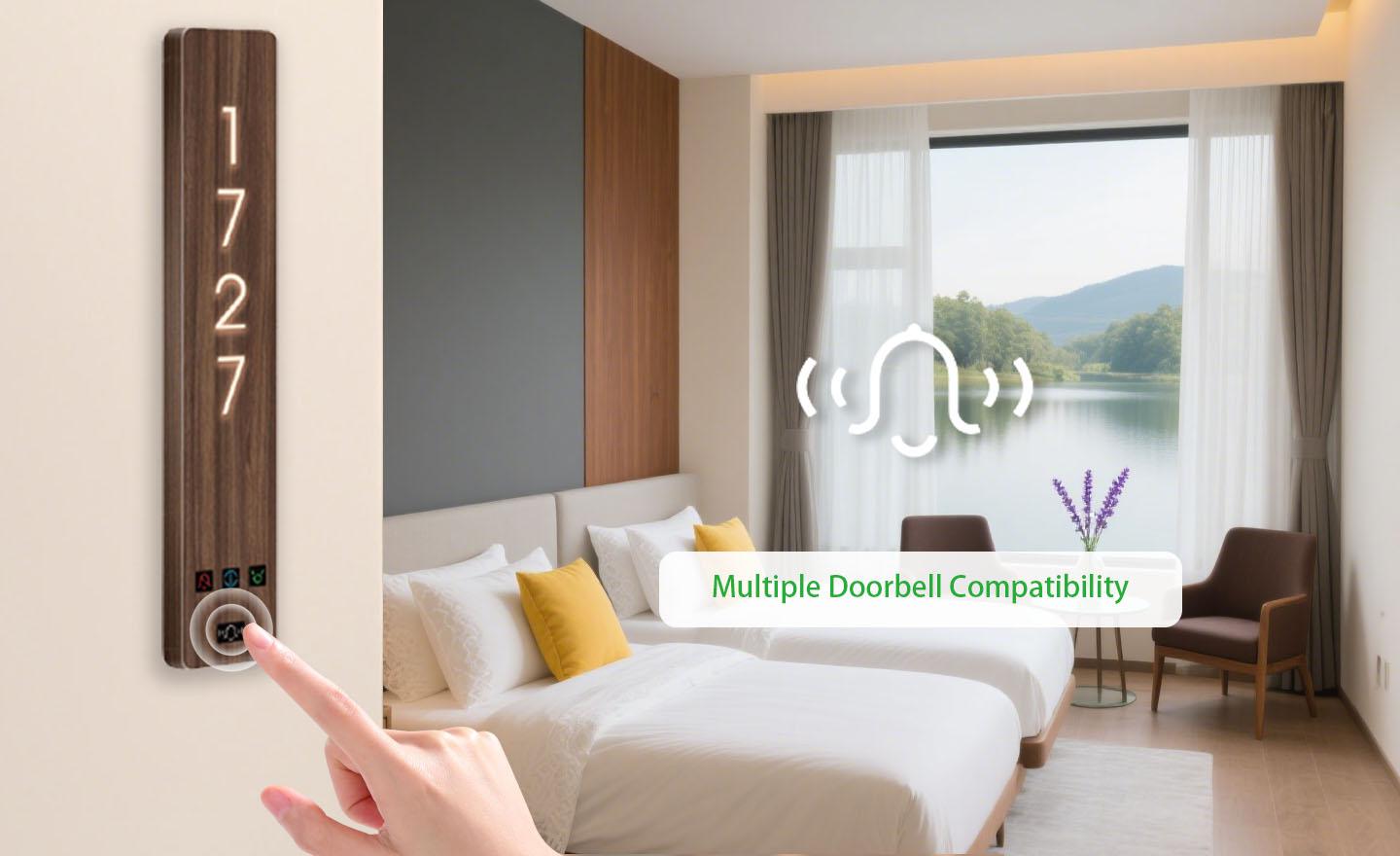
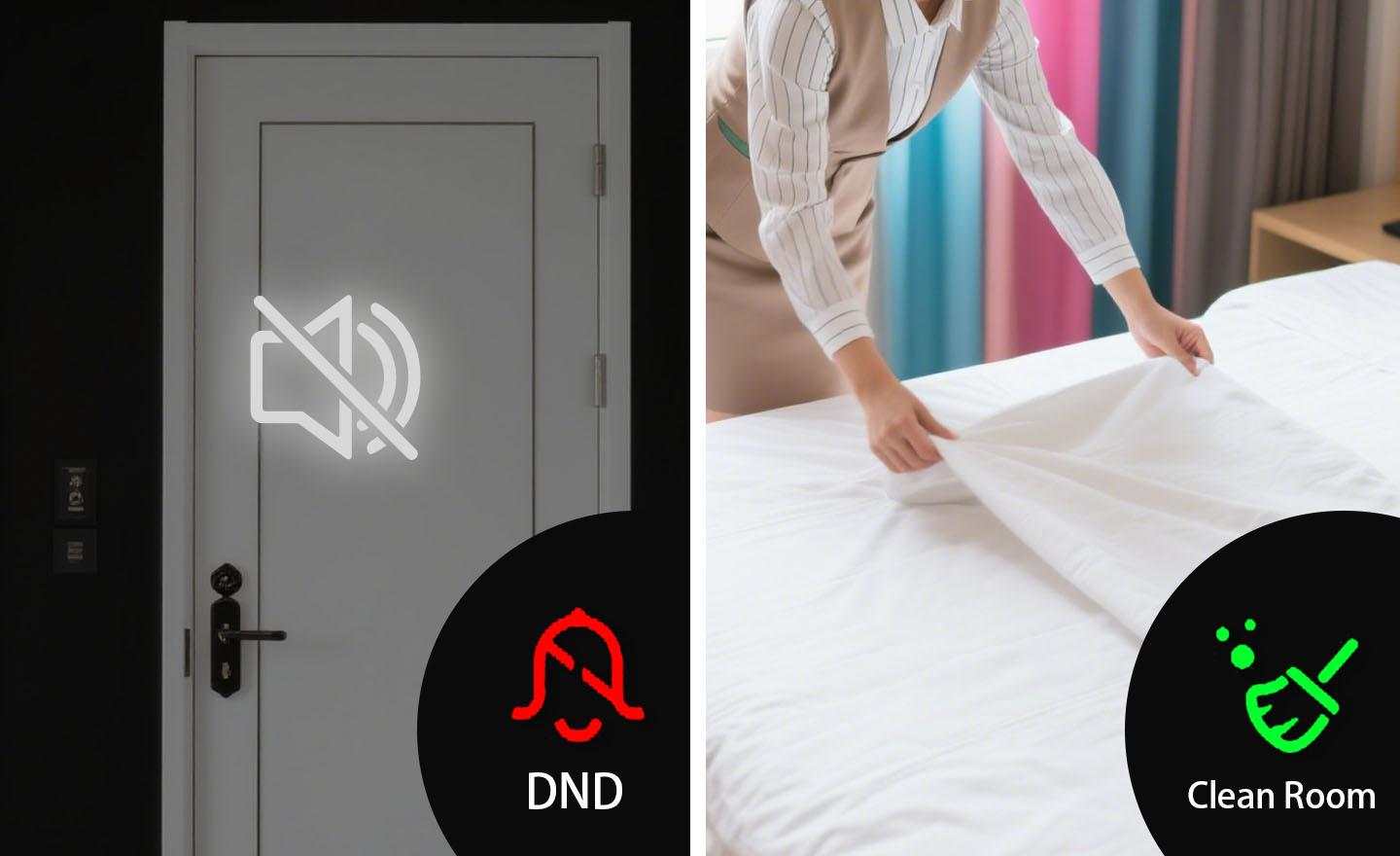
- Doorbell, DND (Do Not Disturb), and Clean Room Functions
- Multiple Doorbell Compatibility
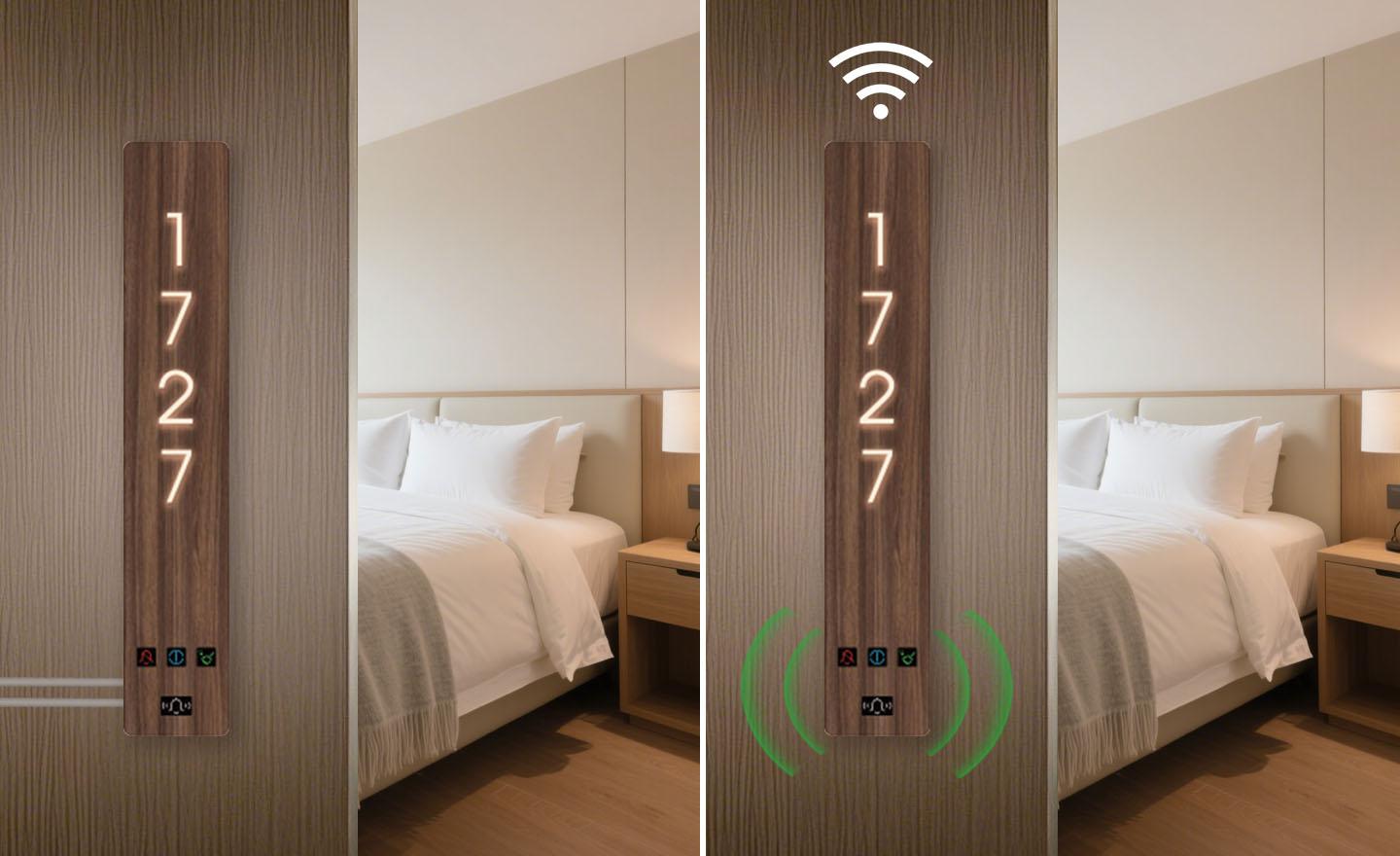
- Wired and Wireless Design Options
- Wireless Design Simplifies Setup
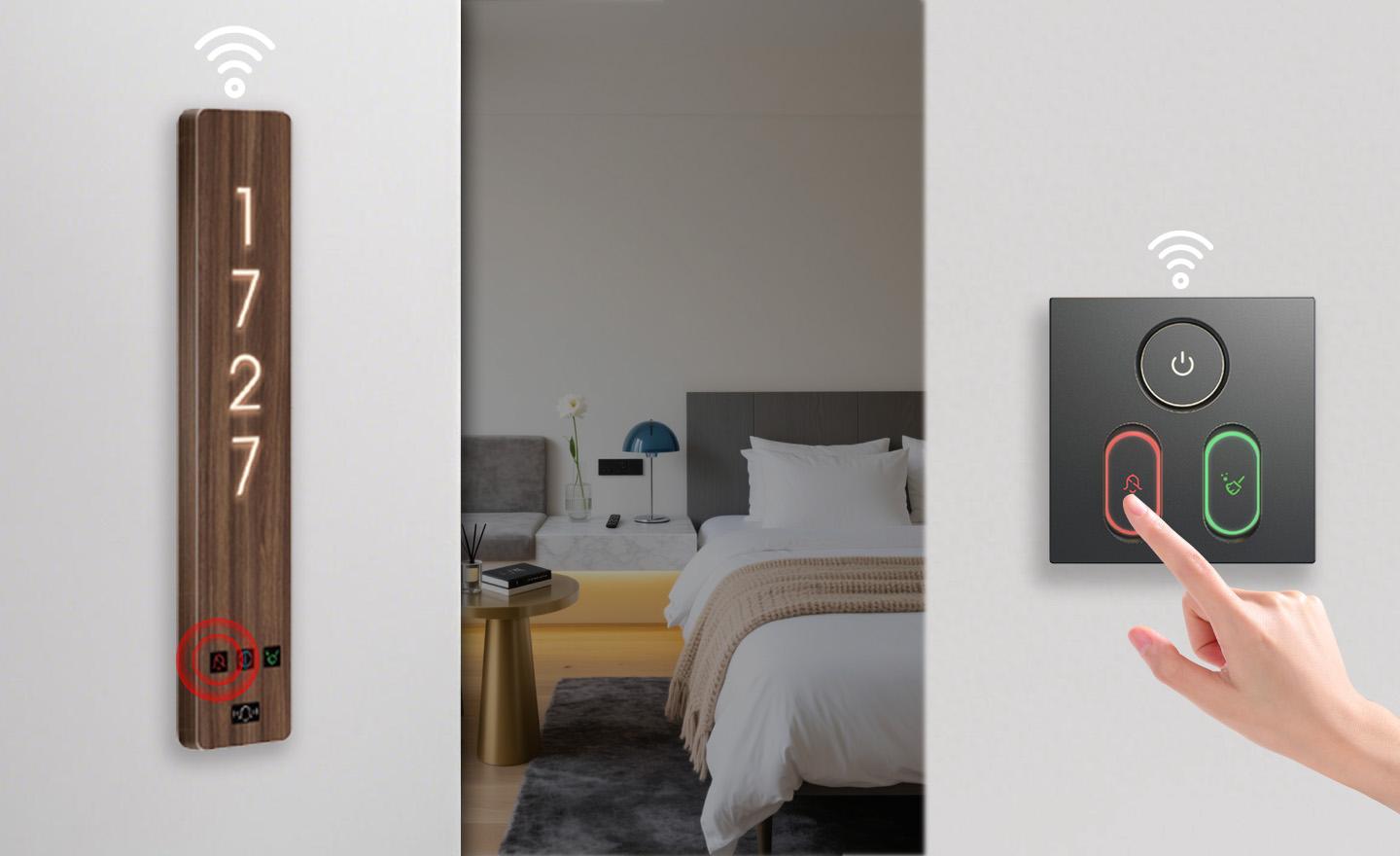
- Do Not Disturb and Clean Room Indicators
- Built-in WiFi for RCU Integration
- Can be controlled via the Yoswit Hospitality application
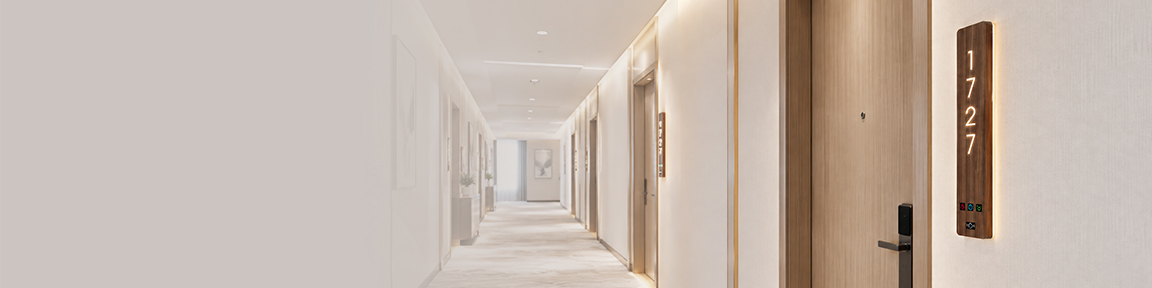
Features
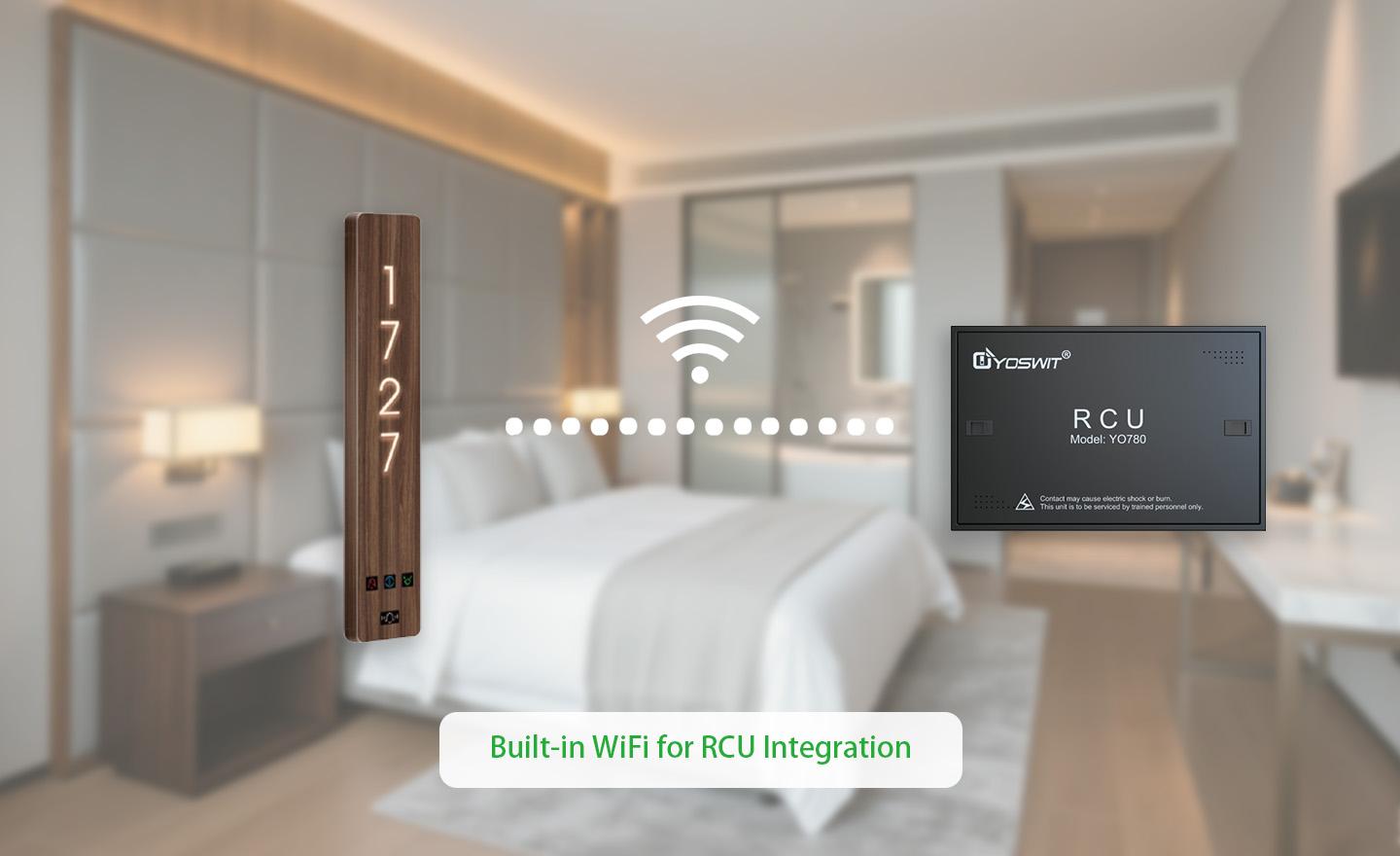
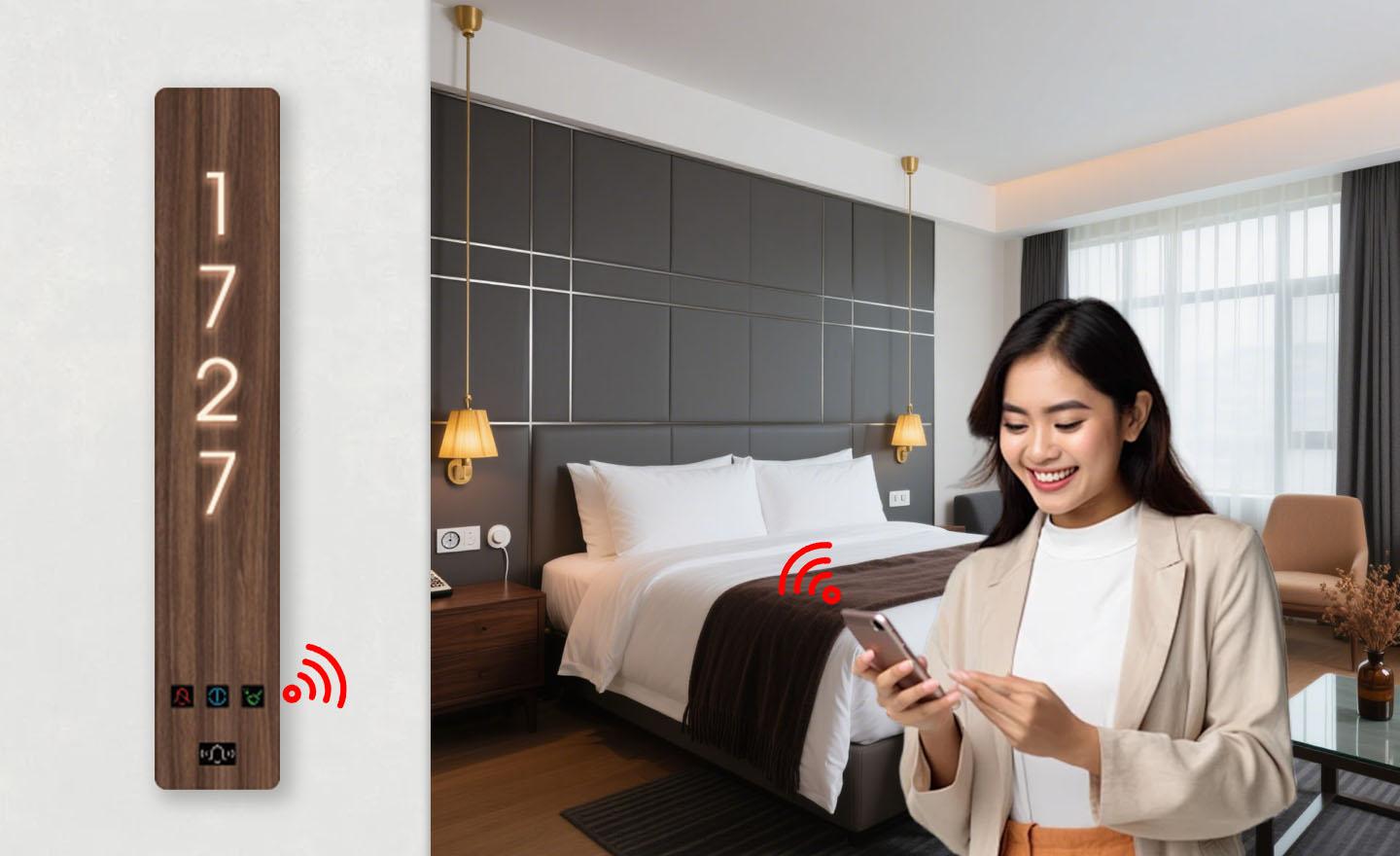
Retrofit Compatibility
Designed for room-by-room upgrades in existing projects with minimal rewiring.
Product Ecosystem
Works with the Yoswit Smart Ready series for unified management.
System Integration
Integrates with apps, PMS, access control, and third-party systems on a project basis.
Communication Spec
Bluetooth 4.2 BLE low-power communication.
| General | ||
| Product Name |
Electronic Doorplate DC
|
|
| Model |
M86-DP-DC (R2W)
|
|
| Revision |
V1.0
|
|
| Manufacturer |
Designed by Yoswit in Hong Kong, China / Assembled in Guangdong, China
|
|
| Dimensions | ||
| Product Size |
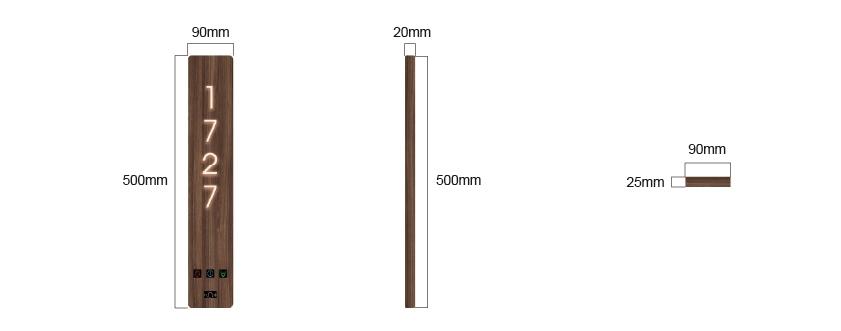
|
|
| mechanical | ||
| Operating Temperature |
-10°C to 40°C
|
|
| Operating Humidity |
0-95% RH, Non-Condensing
|
|
| Operating Environment |
Interior
|
|
| Operation |
APP / Manual
|
|
| Ingress Protection (IP) |
20
|
|
| Electrical | ||
| Operation Power |
DC 12V±10%
|
|
| Power Consumption |
≤2W
|
|
| Wireless | ||
| Frequency |
2.4GHz
|
|
| Connection |
Wifi 2.4G / BLE 5.0
|
|
| Range |
Open area: >50m / Interior: 3-20m
|
|
WARNING!

Disconnect Power
To prevent severe shock or electrocution, always disconnect the power at the service panel before installation. Only licensed electricians should carry out the installation.
Basic Installation
1
Unpack and inspect the unit, confirm a flat, solid mounting position on the door frame or wall.
2
Run wiring as required: for wired version, route DC12V power & doorbell trigger cable; for wireless version, only prepare DC12V power supply.
3
Fasten the back bracket, clip on the door plate, connect wires correctly and check polarity to avoid damage.
4
Power on the device, add it in Yoswit App and pair to 2.4G Wi‑Fi.
5
Configure DND, make‑up room, doorbell and RCU linkage settings in App, then test all functions.
6
Verify stable communication with hotel RCU system. Complete installation if everything works properly.
| Download | ||
| Data Sheet | ||